On your machine
Free, forever
A real browser, in a native app. No account, no card, nothing held back.
macOS and Linux.
vitro Sign in
Isolated browser sessions, as many as the machine holds. Watch them all in one window. Rewind any of them.
Free, forever
A real browser, in a native app. No account, no card, nothing held back.
macOS and Linux.
From $29 a month
The same fleet on hardware that does not close with your laptop. Hosted
browsers still reach localhost:3000 through
vitro‑tunnel.
You pay for concurrent browsers, never for tools. Pricing.
Point an agent here and approve it in the browser. Nothing below is a secret — the agent gets its own short-lived token when you approve it, and refreshes that itself.
claude mcp add --scope user --transport http vitro https://vitro.run/mcp
Then run /mcp in Claude Code and approve. The portable
form, for anything that reads an .mcp.json:
{
  "mcpServers": {
    "vitro": {
      "type": "http",
      "url": "https://vitro.run/mcp"
    }
  }
}
Approved agents appear below alongside your keys, and revoking one here is what stops it.
For somewhere a browser cannot run — CI, mostly. A key is pasted into an MCP config and never expires, so it is the thing to rotate if it leaks. Sessions it opens are attributed to it either way, which is what decides who can see them.
| default issued | psk_live_ZaVqbI… |
[email protected] | never used | RefreshRevoke |
| Claude Code (vitro-hosted) | oauth… |
[email protected] | used 6h ago | RefreshRevoke |
7 revoked keys — show
An admin sees every session the team runs. A member sees the sessions their own keys opened, and nothing else.
They also need an account with this address. Until they have one there is a row here and no way to sign in.
| [email protected] | Remove | |
| [email protected] | Remove |
Everything this team holds: members, keys, the usage behind every invoice, and every session your agents ran — their journals and their screens. Yours to take without asking anybody for it.
It does not include your API keys themselves. A key is shown once when it is created and stored nowhere, so there is nothing here to give back.
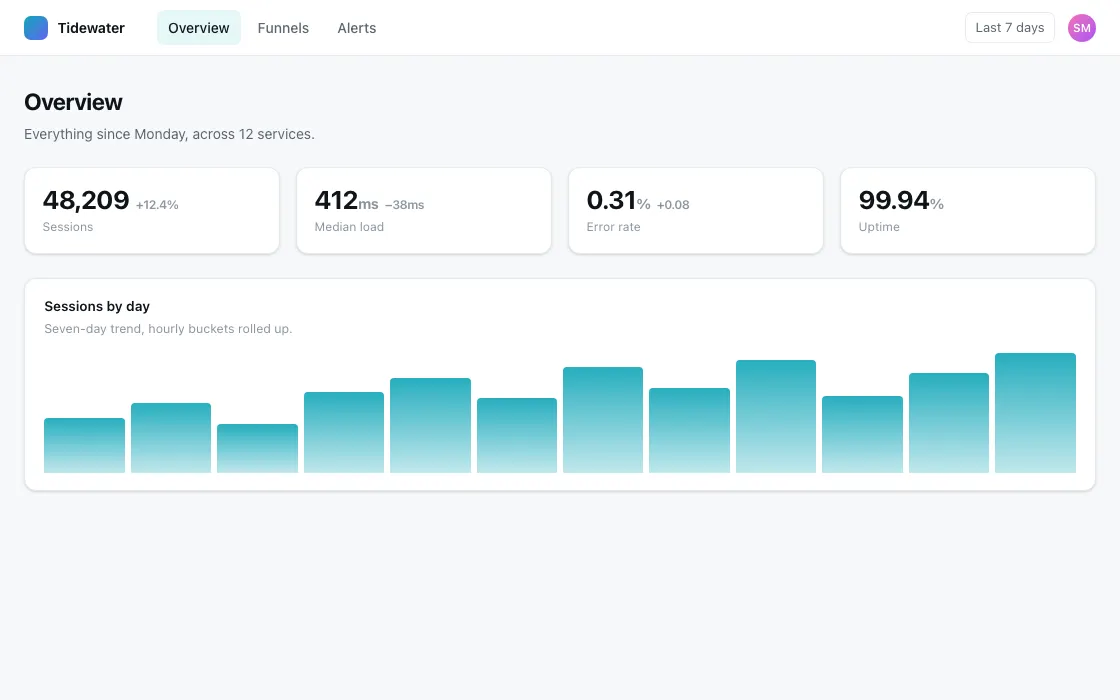
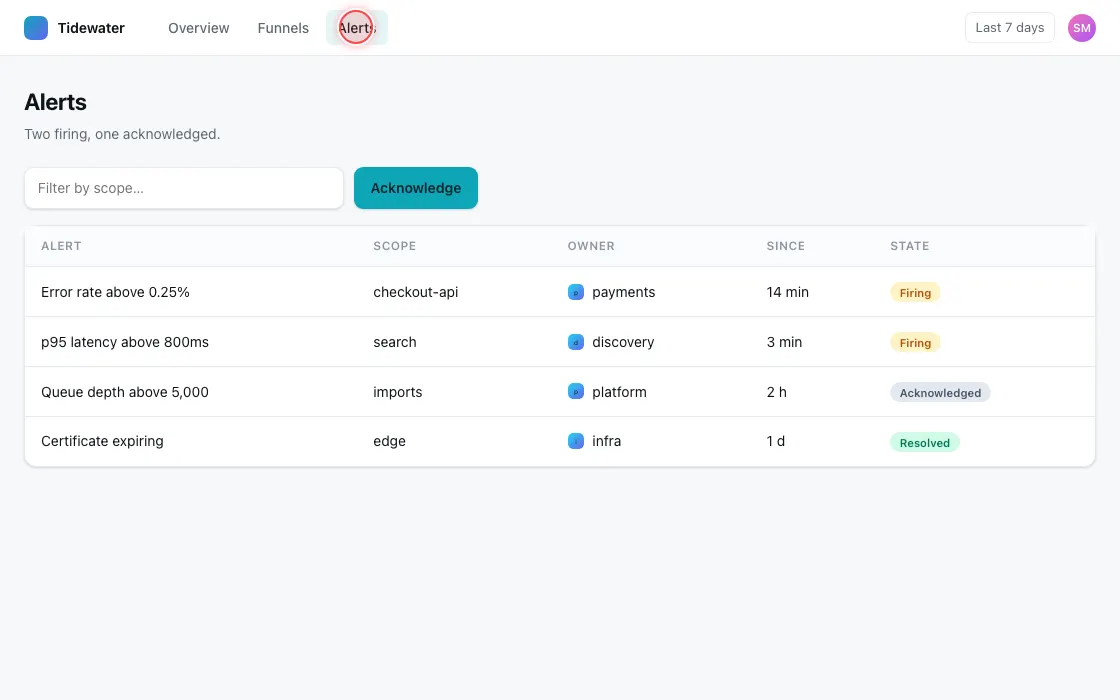
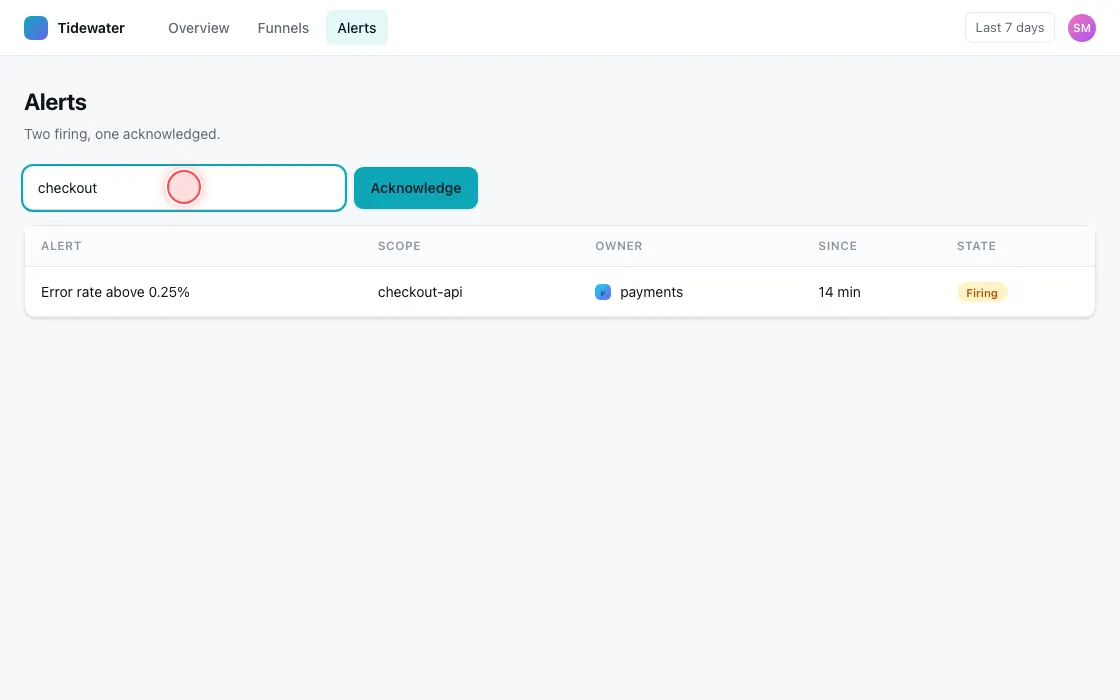
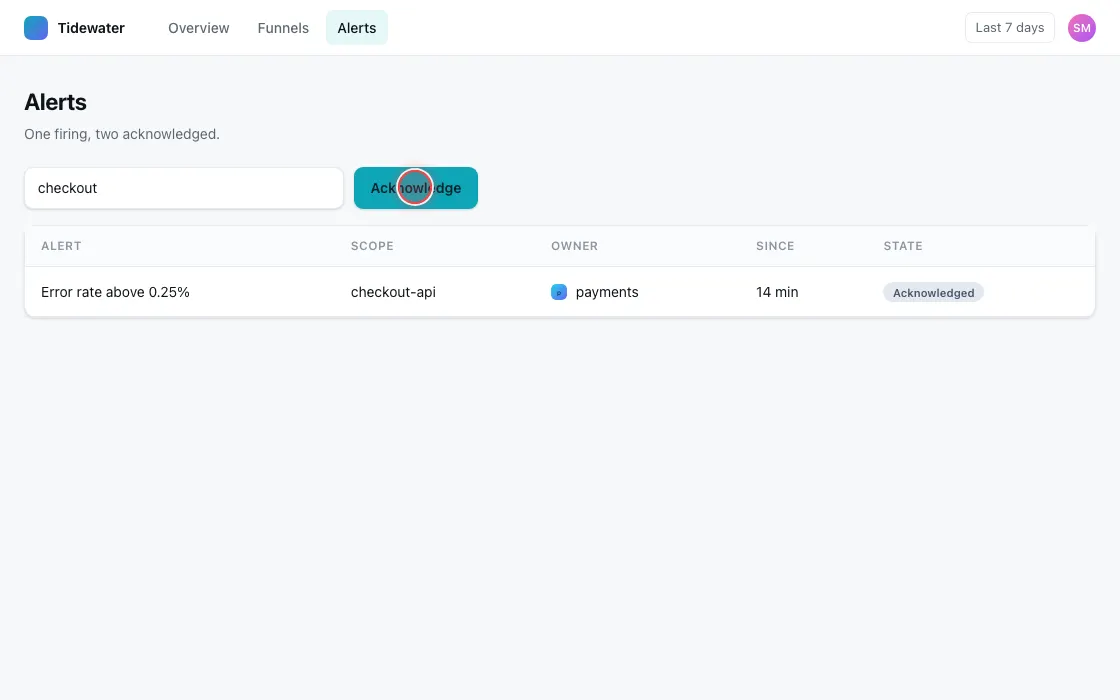
One pane per session. Green is a browser reaching your machine; red is a session with something broken in it. Every session the team ever ran, still readable after it finished. Open one and the record above is what you get. Approve an agent in the browser and it carries its own short-lived token. Or paste a key, for CI. Both are revoked here. An admin sees the whole wall, a member their own sessions. The export is that same data, without asking anybody.
2026-09-01 14:31:09
Every event and every tool call on one timeline, with the frame the page showed at that instant. Tracing is kept and filed under console, so the list you read first is the work — and play walks that, not the chatter.
Each session is its own browser context, and every call carries a lease issued once. No agent can reach into another's browser.
Kill the agent, restart the editor, crash the client: the browsers stay up. Reattach and carry on.
Checksum-verified.
curl -fsSL https://vitro.run/install.sh | shOr download it directly. The script is served as plain text, so you can read it first.
One line. vitro starts itself the first time an agent reaches for it.
claude mcp add --scope user vitro -- vitro mcp bridge
Registered over stdio, so the client launches the app rather than
failing against a port nothing is on yet. vitro mcp install
prints this line again, and the URL form for a client that only takes
one.
Tool descriptions do not say how to use them together. The skills do.
npx skills add https://vitro.run/skills